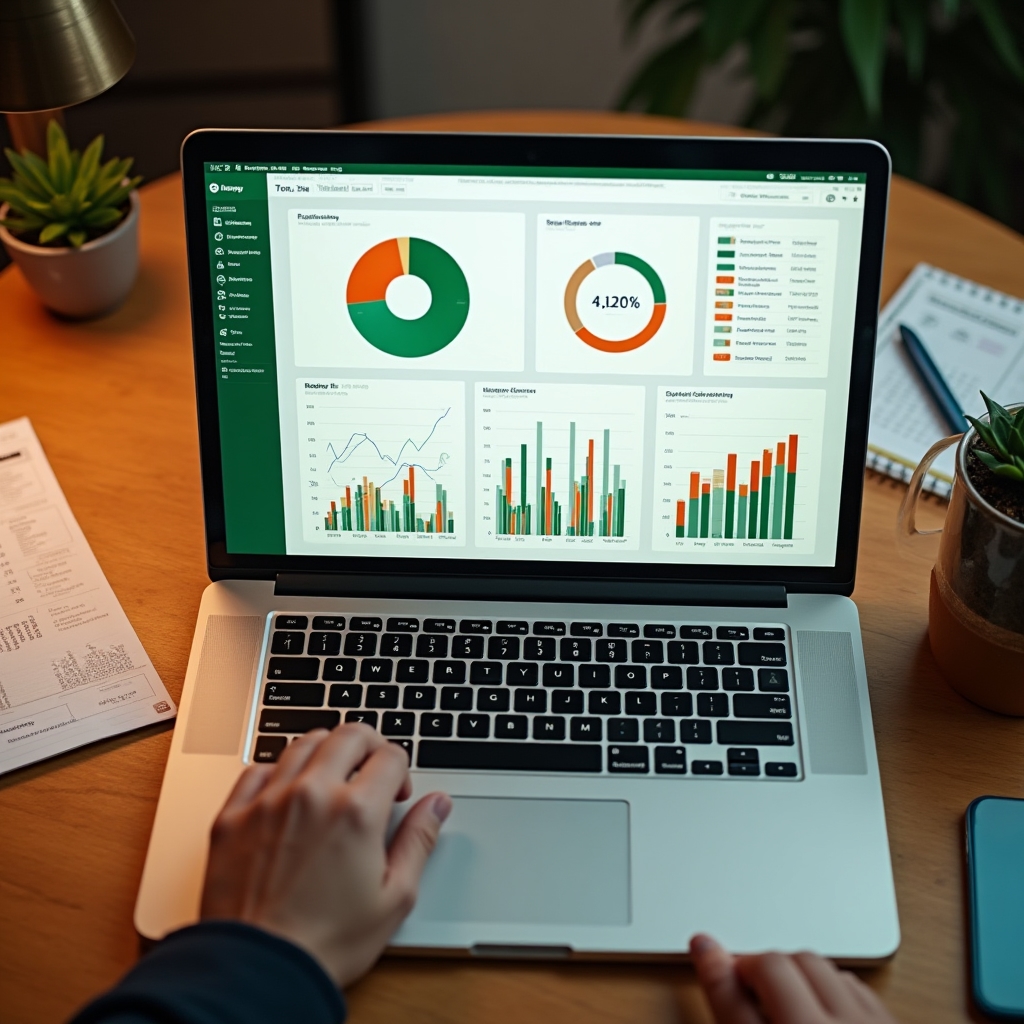
A two-day hands-on course where you build three Excel tools that go home with you working. No theory overload — just the twenty functions that solve ninety percent of what a small business actually needs.
You build real tools, not just watch slides
Three working spreadsheets ready on day two

Daily Sales Register
Automatic totalsMonthly Dashboard
One screen, full pictureMost small business owners in Mexico manage everything in notebooks, phone notes, or their head — and they know it's not sustainable. The problem isn't effort. It's not having the right starting point.
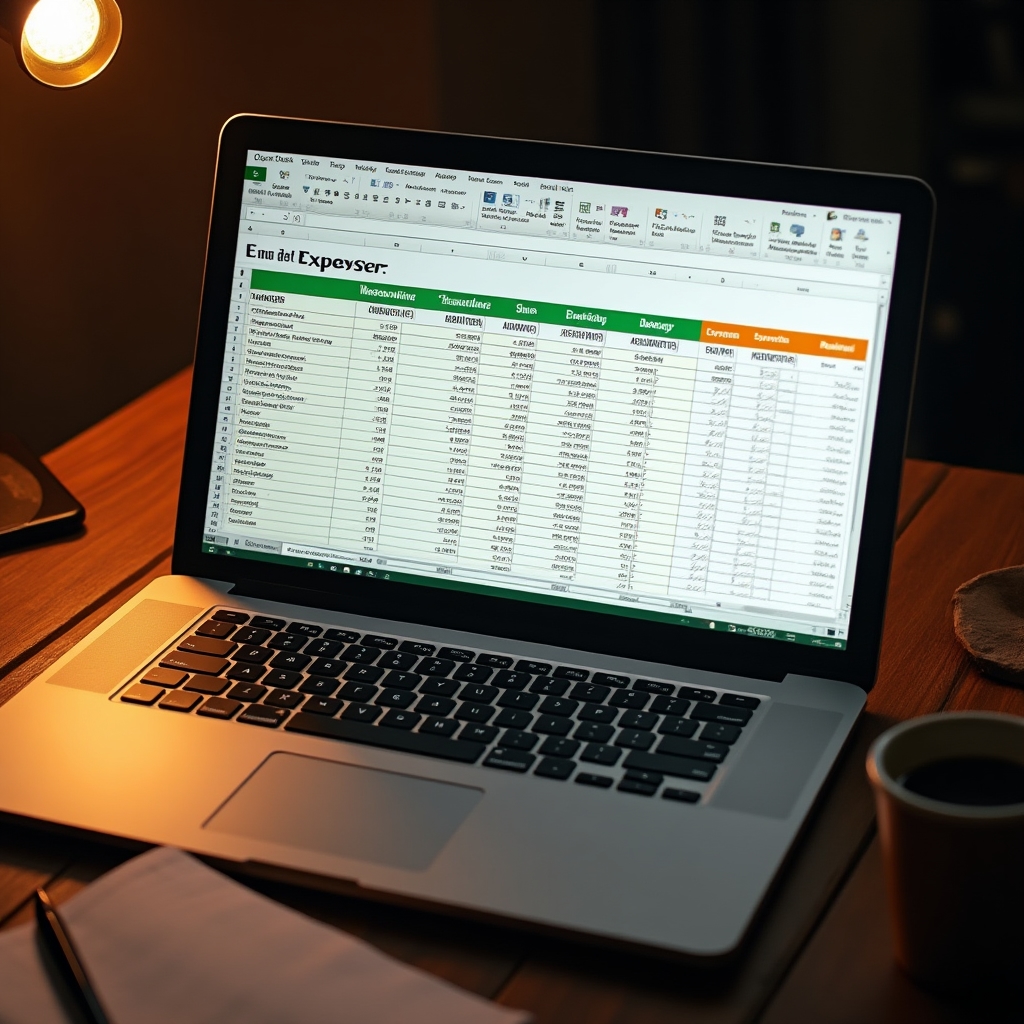
Sales written by hand, expenses on scraps of paper. Finding last month's numbers means searching through pages.
Quick captures that pile up without structure. No way to see totals, trends, or whether the business is growing.
You know your business deeply — but when someone asks for a number, you have to estimate. That uncertainty costs decisions.
You've tried before. The blank spreadsheet is overwhelming. You close it and go back to what you know.
Running out of a product without warning. Over-ordering things that don't move. No alert system, just guessing.
You feel it's going okay, but you can't show it clearly. Month-end arrives and you're not sure if you made money or not.
We don't teach Excel in the abstract. Each participant constructs three real spreadsheets during the course — tools calibrated to how a small business actually operates.
A structured daily log with automatic running totals, category breakdowns, and weekly summaries — so you always know where money comes in and where it goes.
Track stock levels in real time. Set minimum thresholds and let the spreadsheet flag what needs restocking — before you run out.
One screen that tells you whether the month went well or not. Revenue, expenses, and key indicators — visible at a glance, no accounting background required.
Enter a sale or expense and the spreadsheet calculates everything else. Totals by day, week, and category update automatically. No formulas to type after setup — just data entry.
SUM, SUMIF, SUMIFS — totals by date range and category without manual calculation
Conditional formatting — days with unusually high expenses highlighted automatically
Drop-down lists — consistent category entry, no typos, no duplicate categories
A live inventory sheet that tracks entries, exits, and current stock. Set a minimum level for each product and the spreadsheet flags items that need reordering — in a color you cannot miss.
IF and nested IF — logic that classifies stock as OK, Low, or Critical automatically
VLOOKUP / XLOOKUP — find any product's current status instantly without scrolling
Color-coded alerts — green, yellow, red status visible at a glance across all products
A visual summary that pulls data from your register and inventory automatically. Revenue vs. expenses, best-selling categories, and a clear indicator of whether the month was profitable — all without touching a formula after setup.
Charts and sparklines — visual trends that communicate immediately, no reading required
MONTH, YEAR, DATE functions — automatic period filtering as months change
Named ranges and linked sheets — data flows between tools without copy-paste
Excel has hundreds of functions. Most small businesses need twenty. We teach those twenty — in the context of real business problems, not abstract exercises. By the end of day two, each function has been used in a tool you built yourself.
The course is structured so that every session builds toward a tool. You leave day one with two tools in progress. You leave day two with all three complete.
From blank spreadsheet to two working tools
How Excel is organized, why formulas work the way they do, and the five habits that prevent errors.
Structure the register, add categories, write the first formulas. Automatic totals by midday.
Lunch and informal Q&A with the instructor.
Set up the inventory sheet, define minimum levels, add automatic alert logic and color coding.
Consolidate both tools with real data from your own business.
Connect everything into a complete management system
Revisit day-one tools, fix any issues, and prepare data for the dashboard.
Design the summary layout, link data from the other sheets, and add charts that update automatically.
Lunch and informal Q&A with the instructor.
Adapt the three tools to each participant's specific business: products, categories, and reporting needs.
Each participant leaves with three complete, working tools and a reference guide for continued use.
Every concept is applied immediately to a real tool. By the end of each session, you have something working — not just notes to review later.
The tools and examples are built around how Mexican small businesses actually operate — not corporate accounting departments or enterprise software.
The course starts from the basics and moves at a pace that keeps everyone together. If you can open Excel, you have enough to start.
The spreadsheets are designed to be used immediately. You enter your own data during the course so the tools are already populated when you leave.
Compatible with Excel 2016, 2019, 2021 and Microsoft 365
Reduced group size for individual attention and paced learning
Certificate of participation issued to all attendees who complete both days
Access to instructor support for questions after the course via email
The course takes place in Xalapa, Veracruz. Bring your laptop and your business data. Leave with tools that work.